Tech Tips From The Bench · Windows Security
Windows 11 Smart App Control: Check Status and Settings

What Windows 11 Smart App Control does
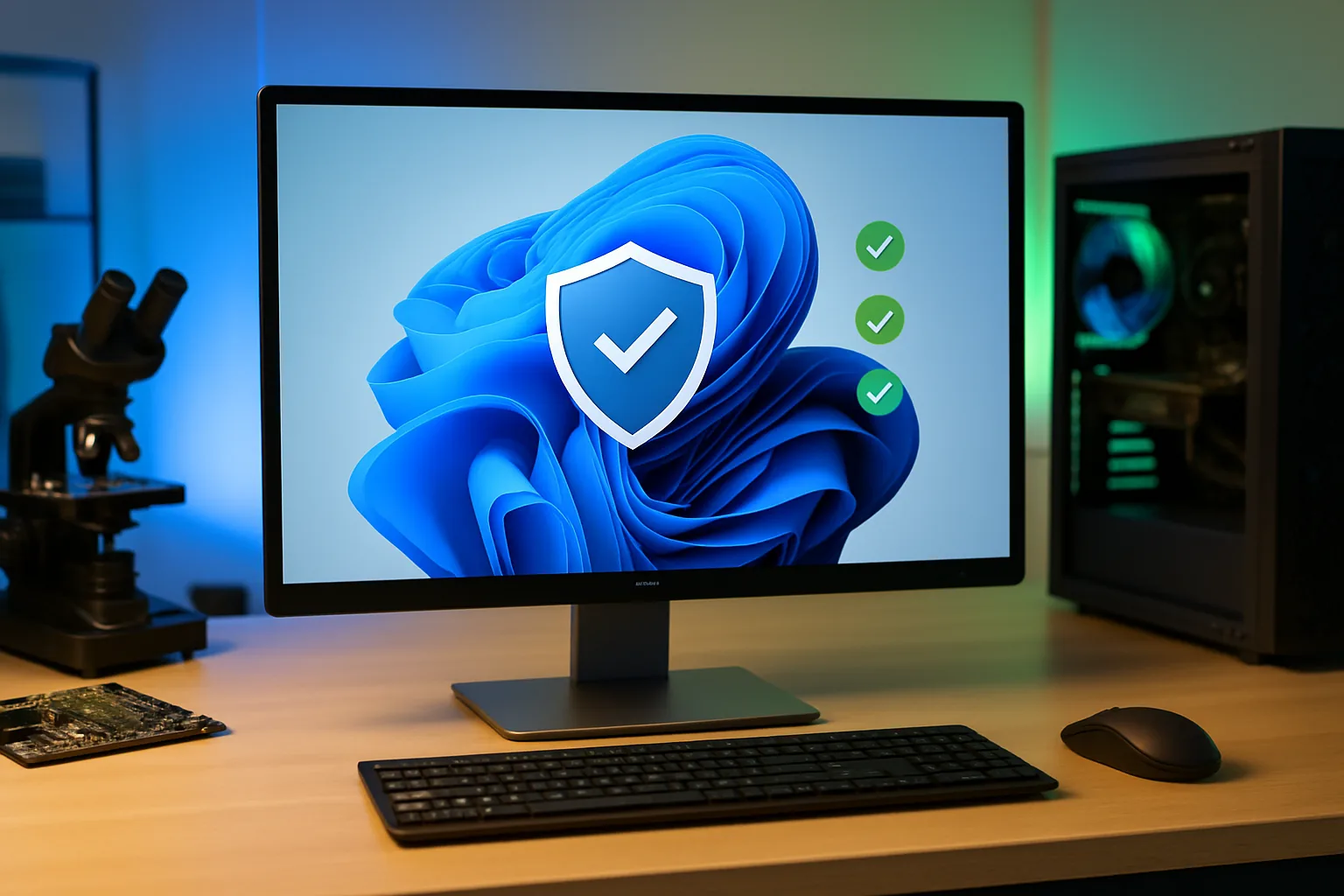
Windows 11 Smart App Control helps block untrusted or potentially harmful apps. It adds a layer of protection alongside antivirus software. It does not replace backups, careful downloading or other Windows security features, and it cannot promise protection against every threat.
How to check its status
Open Windows Security > App & browser control > Smart App Control settings. Read the status and any explanation shown. Available controls depend on your Windows version and device configuration. An Off status alone does not prove that an update broke your computer.
Why Smart App Control may be off
Microsoft lists several possible causes, including manual changes, enterprise management and developer-related configuration. Consult the current Microsoft Smart App Control FAQ before troubleshooting. Avoid assuming every PC with this status has the same problem.
Can you turn it back on?
Microsoft says recent Windows updates allow supported devices to enable Smart App Control through Windows Security without a clean installation. Install supported updates, restart and check the available controls. If the switch remains unavailable, record your Windows build and exact message and consult Microsoft’s guidance for that configuration. Do not apply an old reset-only instruction automatically.
If an app is blocked
Check that the app comes from its legitimate developer and look for an updated, signed release. A block is a reason to investigate, not to turn protection off immediately. Microsoft does not currently provide an individual-app exception within Smart App Control. Ask the developer or your IT administrator for guidance.
Before considering a Windows reset
Back up files and confirm recovery keys, software licenses and account access. A reset may remove applications and settings, and backups must be checked first. Do not reset solely because an outdated article says it is required. For managed devices, let your organization’s IT team handle changes.
Frequently asked questions
Is this the same as Defender Antivirus? No, they serve different roles.
Does Off prove my PC is infected? No. Investigate the reason and check your active antivirus.
Where can I get help? Review our Windows troubleshooting services in Turlock or book a repair with the build number and warning details.
Need help with your computer?
Contact Turlock Computer Repair to discuss your computer and available service options.

Local, walk-in computer repair at Turlock Professional Park. Tune-ups, SSD upgrades, virus removal and cleanings for laptops, desktops, Macs and gaming PCs — most fixed the same day. (209) 661-9171