
Slow computer? An SSD upgrade may help
An SSD upgrade can improve a compatible computer when its hard drive is the bottleneck. We check the model, drive health and migration options before quoting. Walk in for SSD upgrade advice in Turlock, Mon–Sat.
 ★★★★★ 5.0 on Google · Turlock Professional Park
What's included — ssd upgrade in Turlock
- Health check of your current drive and memory before we recommend anything
- Quality SSD sized for you — SATA or NVMe depending on what your machine supports
- Cloning or migration where supported by the source drive and computer
- RAM upgrade, startup cleanup and update options based on compatibility and agreed work
Signs an SSD may fix it
A useful SSD upgrade starts with the right diagnosis. These symptoms can involve storage, memory, software or other hardware, so we check the cause before recommending a drive.
Takes minutes to boot
Slow startup can involve storage, software or other hardware. An SSD may help when a hard drive is the bottleneck.
Programs freeze on open
Application hangs can involve disk activity, memory pressure or software problems. Check the cause before replacing parts.
Clicking or grinding sounds
Repeated hard clicking or grinding can indicate physical damage. Stop using the drive and seek a recovery assessment before attempting to clone it.
'100% disk usage' in Task Manager
High disk activity is a clue, not a diagnosis. Background tasks, memory pressure, software faults or storage problems may be involved.
Old laptop you don't want to replace
It still works, you like it, and it does what you need — it's just slow. An SSD may be worthwhile if the model supports it and the rest of the computer still meets your needs.
Older iMac or MacBook
Some older Macs with hard drives or Fusion Drives can benefit from an SSD. Upgrade options depend on the exact model.
Ssd upgrade in Turlock: Check compatibility, then upgrade
Timing and migration options depend on compatibility, source-drive health, data volume and current workload. Performance improvements vary by system and use.
Call or drop in
Tell us the make and model. We'll check whether it supports an SSD upgrade and quote available options.
Drive & memory check
We test the old drive's health and check RAM so we recommend the upgrade that actually helps.
Plan the data transfer
A healthy, compatible source drive may be cloned. Data recovery, a fresh system installation or app setup may be needed; we explain the options and risks before the agreed work.
Tuned & tested
We update the system, clean up startup items and verify boot and load times before you pick it up.
What it costs
Ssd upgrade pricing in Turlock is simple. The price depends mainly on the SSD size you want (256 GB to 2 TB) and whether your machine takes a SATA or NVMe drive. We'll quote the exact drive before any work.
Quoted before we start
Tell us how much space you use and we'll recommend a suitable capacity. Ask whether a compatible RAM upgrade would help and what the combined parts and labor would cost.
- Written quote for drive + labor before any work
- Discuss old-drive return, condition and backup options
- We'll tell you if an SSD won't help your particular machine
- Ask about applicable warranty terms
Laptop or desktop, SATA or NVMe
Best combo for multitasking and older PCs
iMac, MacBook Pro/Air, Mac mini
For photos, video and big game libraries

Ssd upgrade FAQ
Will I have to reinstall Windows and my programs?
Often a healthy, compatible drive can be cloned without reinstalling the system. We assess the source first and explain any need for file recovery, reinstallation or app setup.
How much faster will my computer really be?
The improvement depends on the current drive, system and workload. An SSD often helps when storage is the bottleneck; no particular boot time or speed increase is guaranteed.
How long does an SSD upgrade take?
Turnaround depends on compatibility, drive health, data volume, parts availability and current workload. Ask for an estimated pickup time after assessment; migration or recovery needs may affect it.
Should I add RAM at the same time?
RAM needs depend on the operating system, workload and model’s upgrade options. We check memory use and compatibility before recommending more.
Can my older laptop or Mac take an SSD?
Upgrade options depend on the exact model. Some computers use soldered or otherwise non-user-replaceable storage. We check compatibility and available options before quoting.
What happens to my old hard drive?
We return it to you. If it is healthy, it may be usable as additional storage; do not rely on a failing drive as your only backup. Ask about secure erasure if you no longer need the data.
Where can I read more before I bring it in?
Curious about the technical side? Crucial has a good explainer on SSD vs. HDD. The short version: SSDs have no moving parts and can improve storage performance when the system supports them. Either way, ssd upgrade in Turlock starts with an honest look and a written quote.
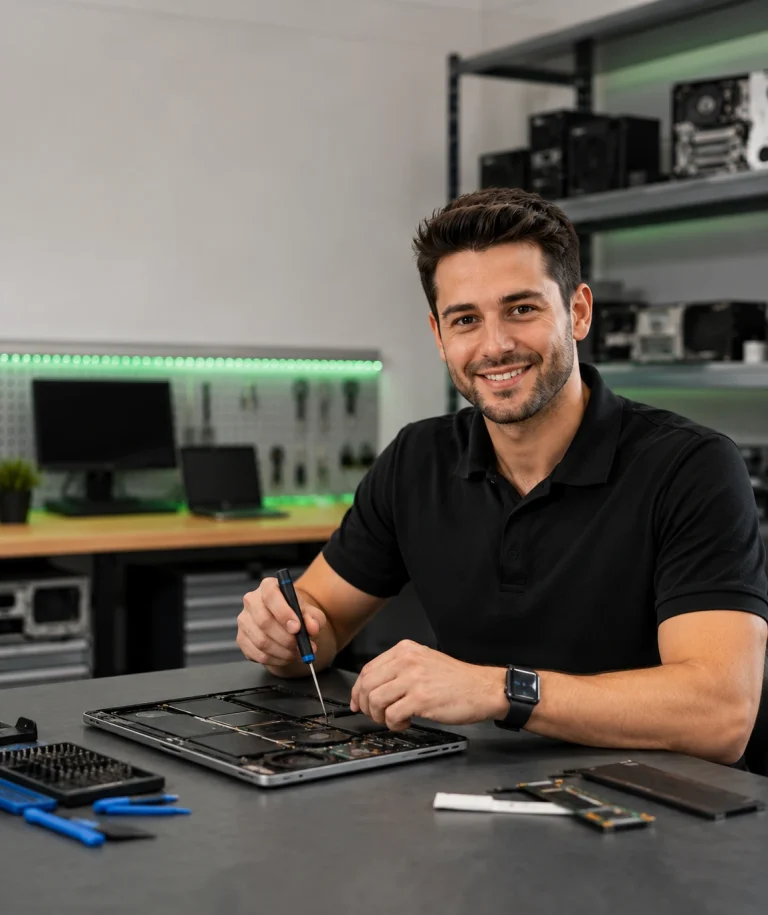
Explore an SSD upgrade for your computer
Call, book online or walk in Mon–Sat. Bring the computer so we can check compatibility, quote suitable drive options and discuss an estimated turnaround. Honest ssd upgrade advice, locally in Turlock.
Turlock Professional Park · walk-ins welcome
Closed Sunday