
Mon–Sat 9:00 AM – 6:00 PM · Closed Sunday

2101 Geer Rd Suite 101, Turlock, CA 95382

★★★★★ 5.0 Google Reviews

What we fix

Computer repair services
done right in Turlock

Services for laptops, desktops, Macs and gaming rigs, with diagnosis and repair options explained in plain English. Turnaround depends on the fault, parts and current workload.

Honest diagnosis Quote before repairs Ask about same-day options 5.0★ on Google
Example repair
Illustrative ticketIn progress

Laptop · SSD upgrade

Example workflow · Not a live customer ticket
✓Diagnosed & quote approved
✓Data backed up
3Installing new SSD + Windows
4Ready for pickup
Virus removalData recoveryScreen replacementSSD & RAM upgradesMac repairCustom PC buildsPrinter setup Virus removalData recoveryScreen replacementSSD & RAM upgradesMac repairCustom PC buildsPrinter setup
Full service menu

Our services: how we can help

Our repair services are done in-shop at Turlock Professional Park — laptops, desktops, Macs, virus removal, SSD upgrades, data recovery and printer setup. Tap a repair card for details, or book a repair appointment.

Not sure what’s wrong?

Tell us the symptom

Pick a symptom to explore possible causes and related services. An assessment is needed to confirm the problem and repair options.

Select a symptomPossible causes and services will appear here.
By device

What do you need fixed?

Simple process

From “it’s broken” to “it’s fixed”

1

Call or book

Call us or request a repair appointment online.

2

Honest diagnosis

We assess the problem and explain the repair options in plain English.

3

Fixed right

We carry out the agreed repair and check the result before pickup.

4

Back to work

Ask for an estimated pickup time after assessment; parts and workload can affect timing.

Why Turlock Computer Repair

Local techs. Honest answers.

Talk through the symptoms and repair options with a local technician. Approve the quoted repair before it goes ahead.

Clear diagnosis, real quoteReview the quote before the agreed repair begins.
Discuss your data firstTell us what needs to be saved. Backup and recovery options depend on the device and drive condition.
Walk-ins welcomeMon–Sat 9 AM – 6 PM at 2101 Geer Rd Suite 101, Turlock (get directions).

Bring your device or request an appointment online. Tell us what has changed, any error messages you see, and which files matter most. After assessment, discuss the repair options, quote and expected turnaround. Approve any replacement, reset or upgrade before it goes ahead.

Repair time depends on the fault, model, parts availability and current workload. Ask about same-day options before you visit. We work on Windows PCs, MacBooks and iMacs, Chromebooks and custom gaming builds, and serve customers from Turlock, Modesto, Ceres, Denair, Hilmar and Delhi. Call to check support for your specific device.

Ask what your quoted service includes, such as cleaning, drive-health checks or software updates, and discuss any backup needs before work begins. If a repair is not worthwhile for the age or condition of the device, ask about alternatives and file-transfer options.
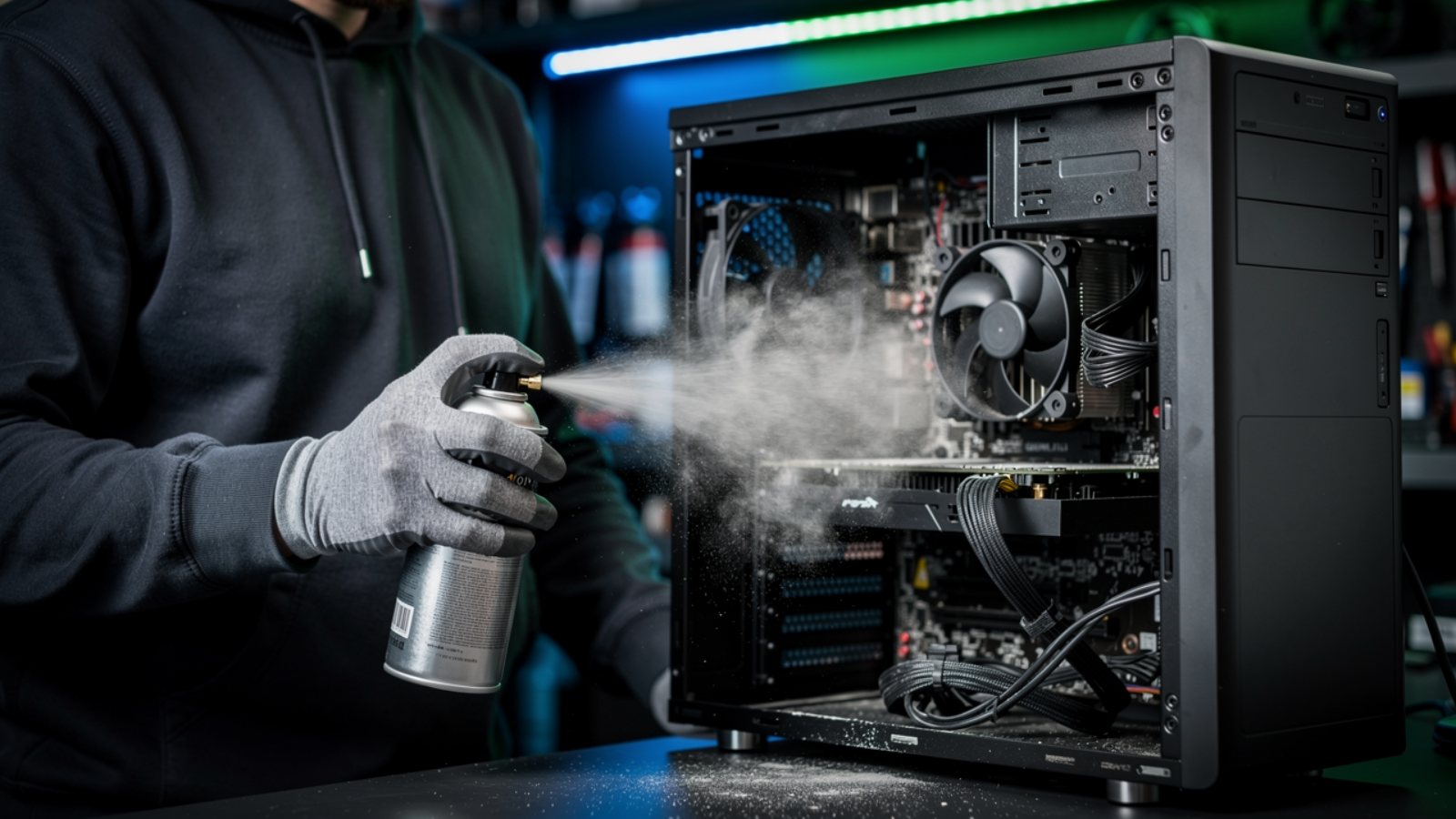
Computer repair services in Turlock — technician cleaning a desktop PC at Turlock Computer Repair
0.0★Google rating
0Service categories
Ask usAbout repair timing
UpfrontQuote before work
Inside the shop

What our services look like in real life

These photos show common maintenance tasks, such as clearing dust from fans and heatsinks. The work your device needs depends on its symptoms and condition.
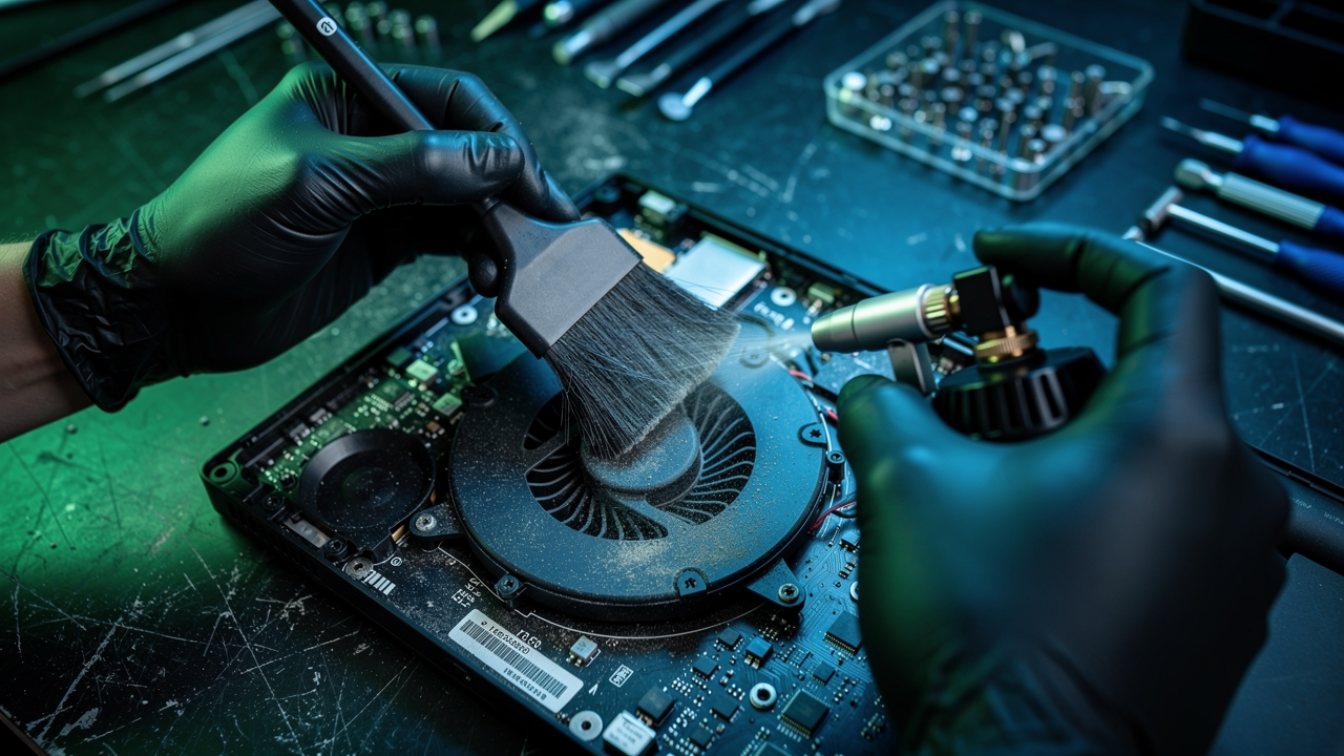
Laptop repair services in Turlock — cleaning a laptop cooling fan
Laptop fan and heat cleaning. Dust buildup can restrict airflow and contribute to heat or fan noise. A technician can assess whether cleaning, thermal-paste replacement or another repair is appropriate.
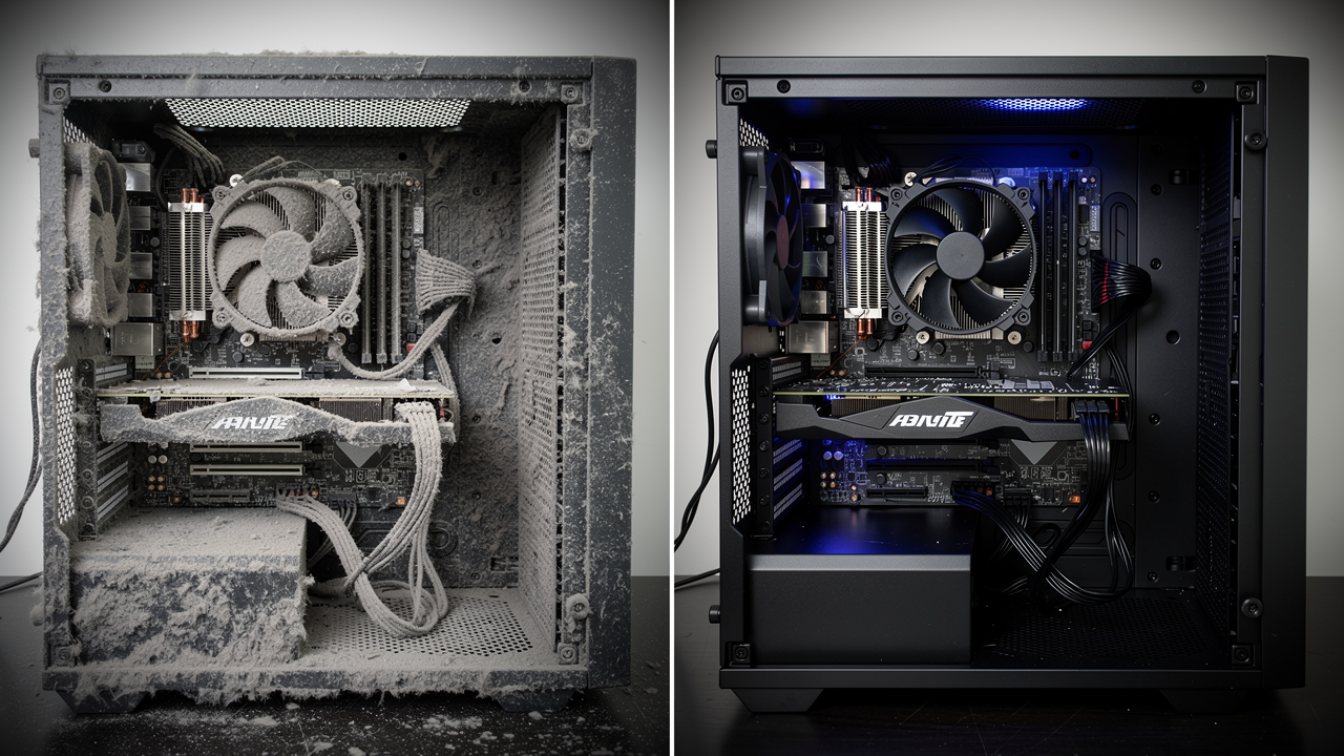
Desktop PC interior before and after dust cleaning at Turlock Computer Repair
Desktop deep clean, before and after. Dust buildup can restrict airflow around fans and components. Ask whether interior cleaning is appropriate for your desktop and included in the quoted service.
Clogged laptop fan and heatsink found during diagnosis — computer repair services Turlock
What we find inside. Clogged fans and heatsinks can contribute to overheating. Diagnosis helps distinguish cooling issues from other faults before a repair is recommended.

Not sure which service you need? Start with the symptom finder above, then call or bring your device in for assessment. Ask about repair costs, timing and whether repair or replacement makes more sense for your device.

Good to know

Common questions

How does the diagnosis work?
We assess your device and explain the findings and repair options in plain English. Review the quote and decide whether to go ahead.
How long does a repair take?
Same-day work may be possible for some tune-ups, virus removals and upgrades. Timing depends on assessment, parts availability and current workload; ask for an estimate before making plans.
Do you work on Macs and gaming PCs?
We work on Macs and gaming PCs, including MacBooks, iMacs and custom builds. Repair and upgrade options depend on the model and fault, so call to check your device.
Will I lose my files?
If your device is working normally, keep a current backup before repair. If files are missing or the drive is failing, stop using it and ask about recovery options first. Backup or recovery may not be possible, so tell us about important files before work begins.
How do I book a repair?

Ready to get it fixed?

Request a repair appointment online or call to discuss your device. Walk-ins welcome Mon–Sat 9 AM – 6 PM.