Mon–Sat 9:00 AM – 6:00 PM · Closed Sunday

2101 Geer Rd Suite 101, Turlock, CA 95382

★★★★★ 5.0 Google Reviews

Local help for your computer

Fast & ReliableComputer Repair in Turlock, CA

Laptops, desktops, Macs and gaming PCs. Tell us what’s wrong.

Explore repair services
  • 2101 Geer Rd, Suite 101
  • Mon–Sat, 9 AM–6 PM

What do you need help with?

Choose a repair service

Start with your device or the problem you’re seeing. Each service page explains the next step.

View all services →
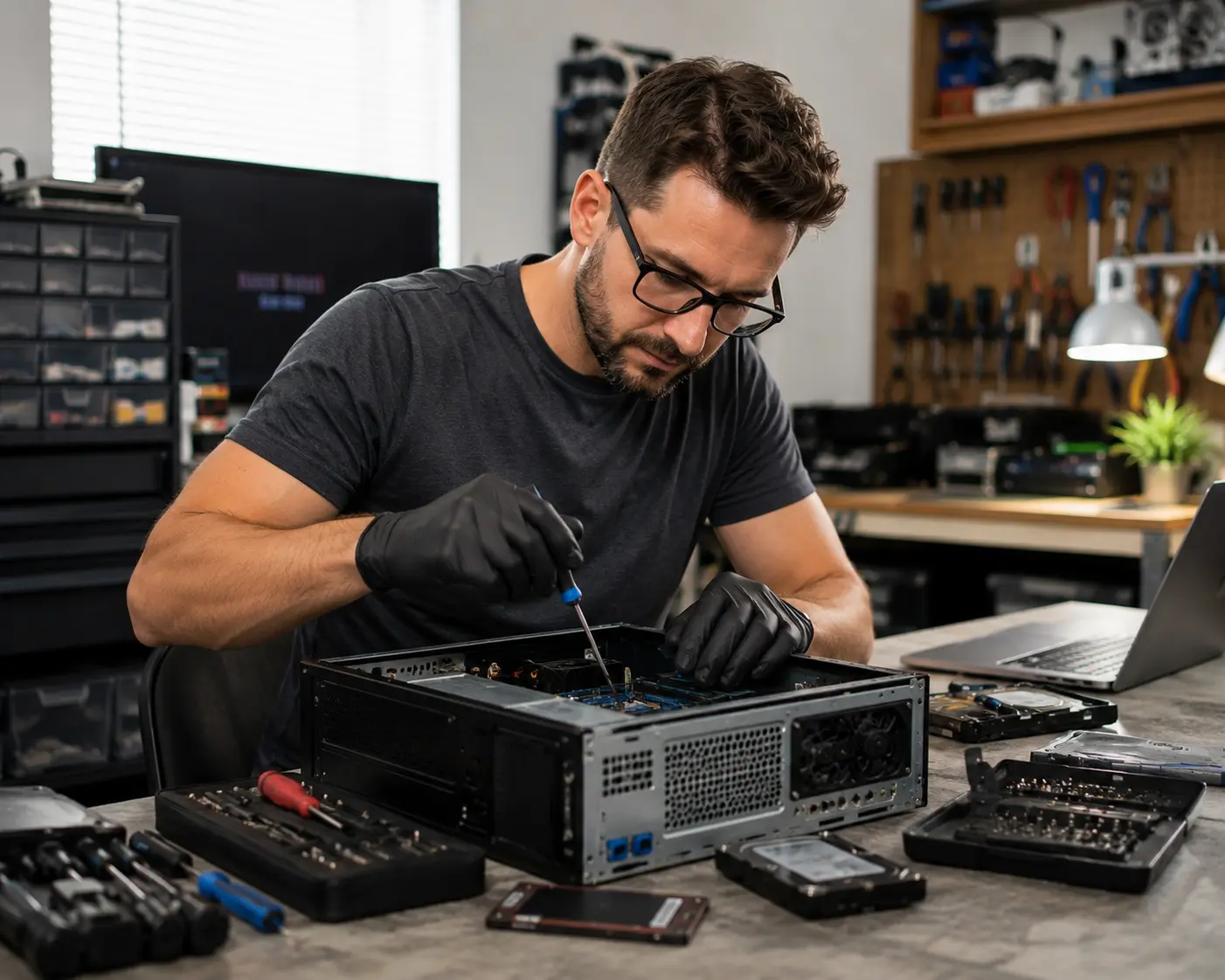
AI illustration of desktop computer component installation
YOUR NEXT STEP

Let’s get your computer checked.

Tell us your device and what’s wrong.

Book a repair
5.0 ★★★★★
117 Google Reviews

WHAT TURLOCK SAYS

★ REVIEW US
“
★★★★★

Oba is great man with so much knowledge. I have an issue with my laptop the one for my bussines so I bring it to him. He fix it with out any issues.…

J Juan Figueroa
3 months ago · Google
“
★★★★★

I took my laptop to Oba after it stopped working last month, and after identifying the issue, he honestly advised me to invest in a new laptop rather…

D DD M
2 months ago · Google
“
★★★★★

Our company computer froze up after a local utility power spike. Ava was able to diagnose the corrupted files and get back operational in just a coupl…

E Ed Montague
2 months ago · Google
“
★★★★★

I couldn’t get my computer to charge so I took it in to Turlock Computer Repair and this gentleman got me up and running. He was very kind and very he…

M Matthew Cole
3 months ago · Google
“
★★★★★

Great customer service. Reasonable pricing. Very professional as well as fast on timing. I will be back and do recomend for others to come. It was my…

S Savage Playa
a year ago · Google
★★★★★

Had a great experience?
Your review helps neighbors in Turlock find honest repair.

WRITE A REVIEW

Not sure which service you need?

Open a symptom for a useful next step. This guide can’t diagnose your device.
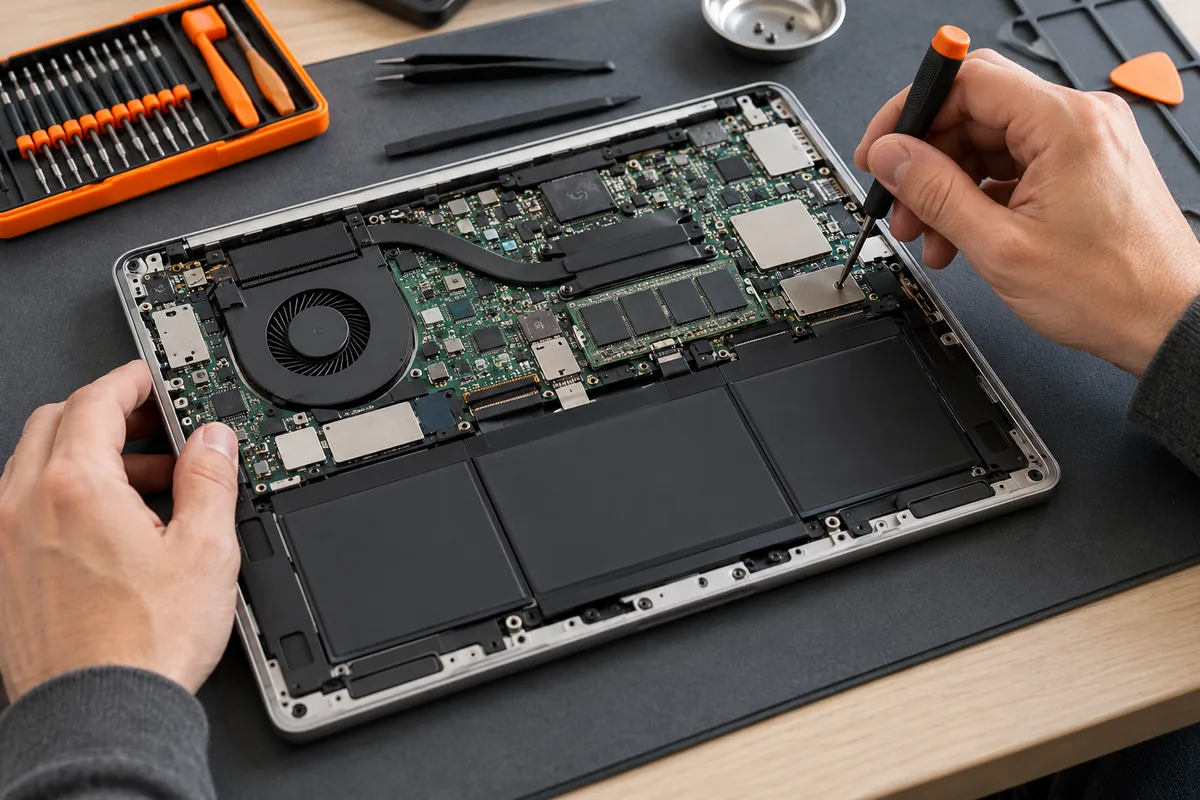
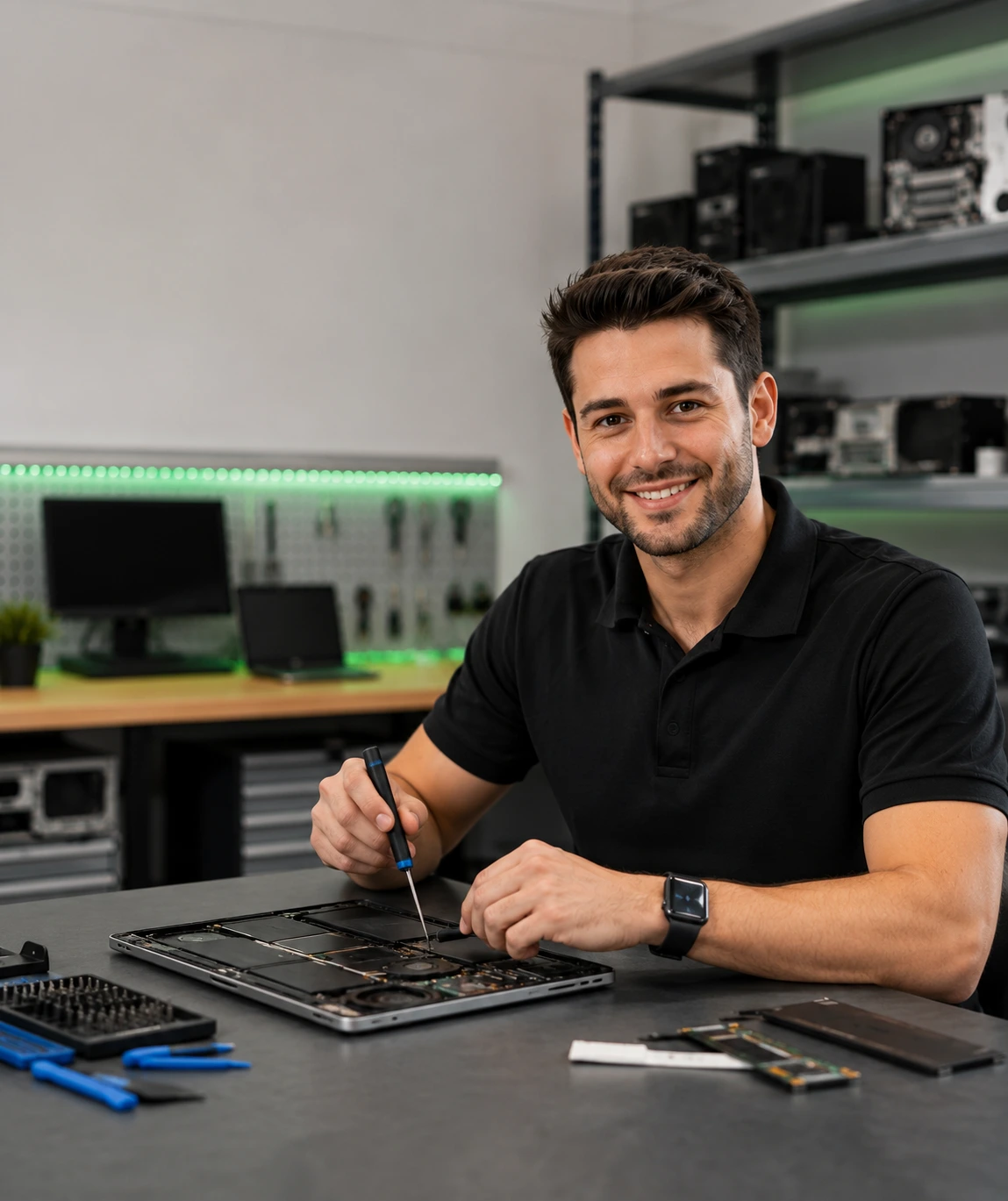
AI illustration of careful laptop component inspection
It’s slow, or I want it faster

Tell us which apps or tasks feel slow and when the problem started. We can discuss a tune-up or compatible upgrade after checking the computer.

Explore SSD and RAM upgrades →
It won’t start, or it keeps crashing

Note any error message and whether the device shows power. Several problems can cause these symptoms, so an inspection is needed before choosing a repair.

See laptop repair options →
I’m seeing pop-ups or suspicious warnings

Don’t call phone numbers in unexpected warnings or share passwords. Tell us what appeared and whether you clicked a link or installed anything.

Get help with malware →
The screen is cracked or black

Tell us the device model and whether the display is cracked, flickering or completely blank. Screen, cable and other hardware problems can look similar.

Explore screen repair →
My files are missing or the drive is failing

Stop using the affected drive. Avoid installing recovery tools or saving new files to it, and ask about recovery options first. Recovery cannot be guaranteed.

Discuss data recovery →
It’s overheating or the fan is loud

Tell us when the heat or noise occurs. If you notice swelling, smoke, unusual heat or a burning smell, stop using or charging the device and seek repair help.

Contact the shop →
The battery or charger isn’t working

Tell us the device model and whether the charging light comes on. Don’t keep using or charging a visibly damaged or swollen battery.

See battery and charging repair →
A printer won’t print

Tell us your printer model and what happens when you try to print. Include any error message.

Ask about printer setup →

Still unsure? Describe the problem or call (209) 661-9171.

What happens next

  1. Tell us the problem

    Book a repair, call, or send a quote request. Include the device and what’s happening.

  2. Review your options

    Ask about diagnostic fees and review the repair options and quote before deciding.

  3. Agree on the next step

    Discuss the repair, parts and expected turnaround with the technician.
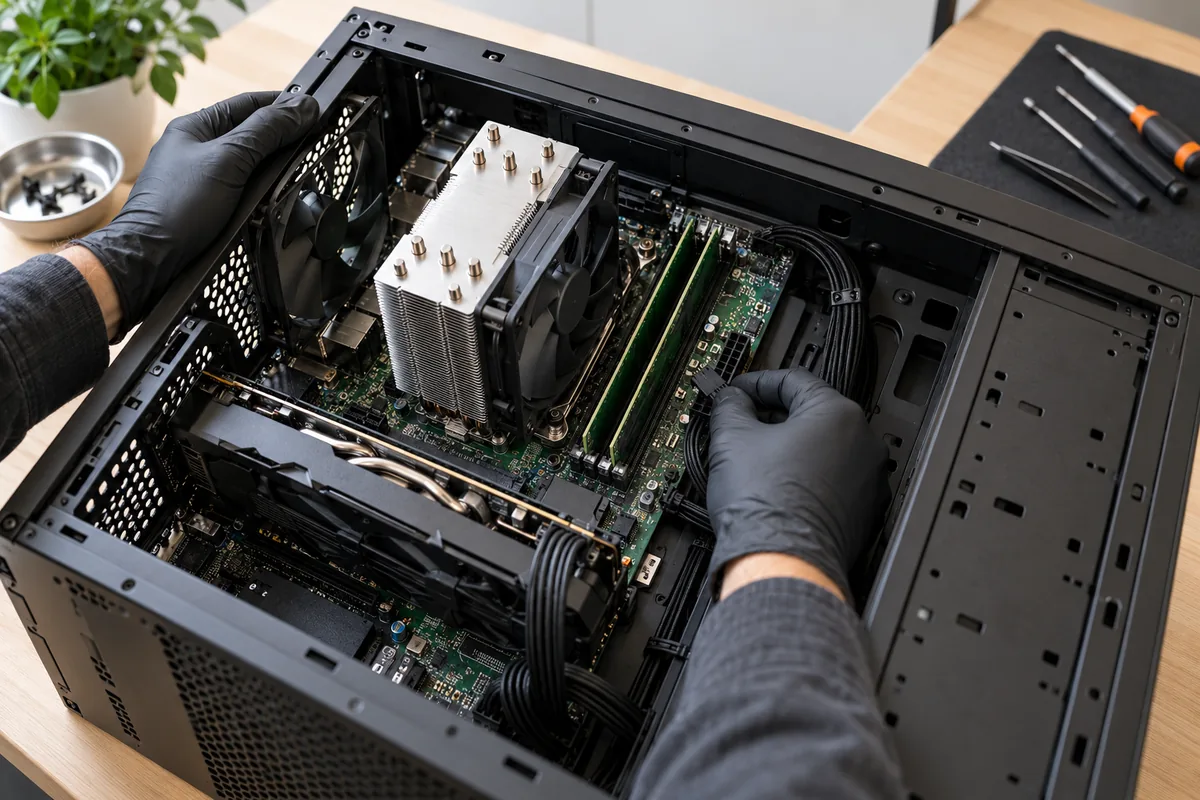
AI illustration of a desktop computer component installation
Free quote · No obligation

Tell us about your repair.

Tell us your device and the problem. We’ll review your message during business hours and discuss the next step. Please don’t include passwords.

Your deviceBrand and model, if you know them.
What’s happeningSymptoms, error messages and when it started.
Mon–Sat 9–6 Locally owned Discuss the next step

Get your free quote

We reply during business hours, usually the same day.

Your info stays private. No spam, ever.
This site is protected by reCAPTCHA and the Google Privacy Policy and Terms of Service apply.
Computer equipment and repair workspace
Turlock Computer Repair
Turlock, California

Computer repair
in Turlock, CA

Computer repair backed by 25 years of experience. Review the repair options and quote before deciding.

We help with laptops, Macs, desktops, custom PCs, printers. See all services.

Read about the business →

Good to know

Questions? Answered.

Straight answers to what people ask us most. Anything else — just call, we're happy to talk it through.

Still not sure?Call (209) 661‑9171 — Mon–Sat 9 AM–6 PM

No — walk‑ins are welcome at Turlock Computer Repair Mon–Sat, 9 AM to 6 PM at 2101 Geer Rd Suite 101, Turlock. If you'd like to reserve a time, book online or call ahead.

Many tune‑ups, virus removals and upgrades are same‑day. Repairs that need parts (screens, batteries, charging ports) usually take 1–3 business days depending on part availability. We'll give you a realistic timeline before we start.

Every job starts with a diagnosis so you get a clear, upfront quote before any work is done — no surprises. Use the Turlock Computer Repair free quote form above or call and we'll give you a straight answer.

Protecting your data is the first priority at Turlock Computer Repair. Tell us which files matter before work begins. Discuss backup options with the technician; a failing or damaged drive may prevent a complete backup or recovery. If your drive is already failing, stop using it and bring it in — we offer data recovery.

Yes. We service Windows laptops and desktops, Apple Macs, custom gaming PCs and workstations, plus printer setup. Custom PC builds are one of the specialties at Turlock Computer Repair.

Yes — custom gaming and workstation builds are one of our specialties. Tell us your budget and what you play or work on, and we’ll spec the parts, build it, cable‑manage it and stress‑test it before you pick it up. We also upgrade existing gaming PCs (graphics card, CPU, cooling, SSD).

Honest answer: it depends. Often an SSD and RAM upgrade makes a 4–6 year old machine feel new for a fraction of the cost. If a replacement really is the better value, we'll tell you — and help you move your data.

Visit the shop

Find us in Turlock

Turlock Professional Park on Geer Road — easy parking, walk‑ins welcome.

Directions
Turlock Computer Repair2101 Geer Rd Suite 101, Turlock, CA 95382
Call us(209) 661‑9171Fastest way to reach Turlock Computer Repair
Address2101 Geer Rd Suite 101Turlock Professional Park · Turlock, CA 95382
HoursMon–Sat 9:00 AM – 6:00 PM
Monday9:00 AM – 6:00 PM
Tuesday9:00 AM – 6:00 PM
Wednesday9:00 AM – 6:00 PM
Thursday9:00 AM – 6:00 PM
Friday9:00 AM – 6:00 PM
Saturday9:00 AM – 6:00 PM
SundayClosed