
Tech Tips From The Bench · Gaming Hardware
Gaming PC Trade-Ins: What Turlock Gamers Need to Know
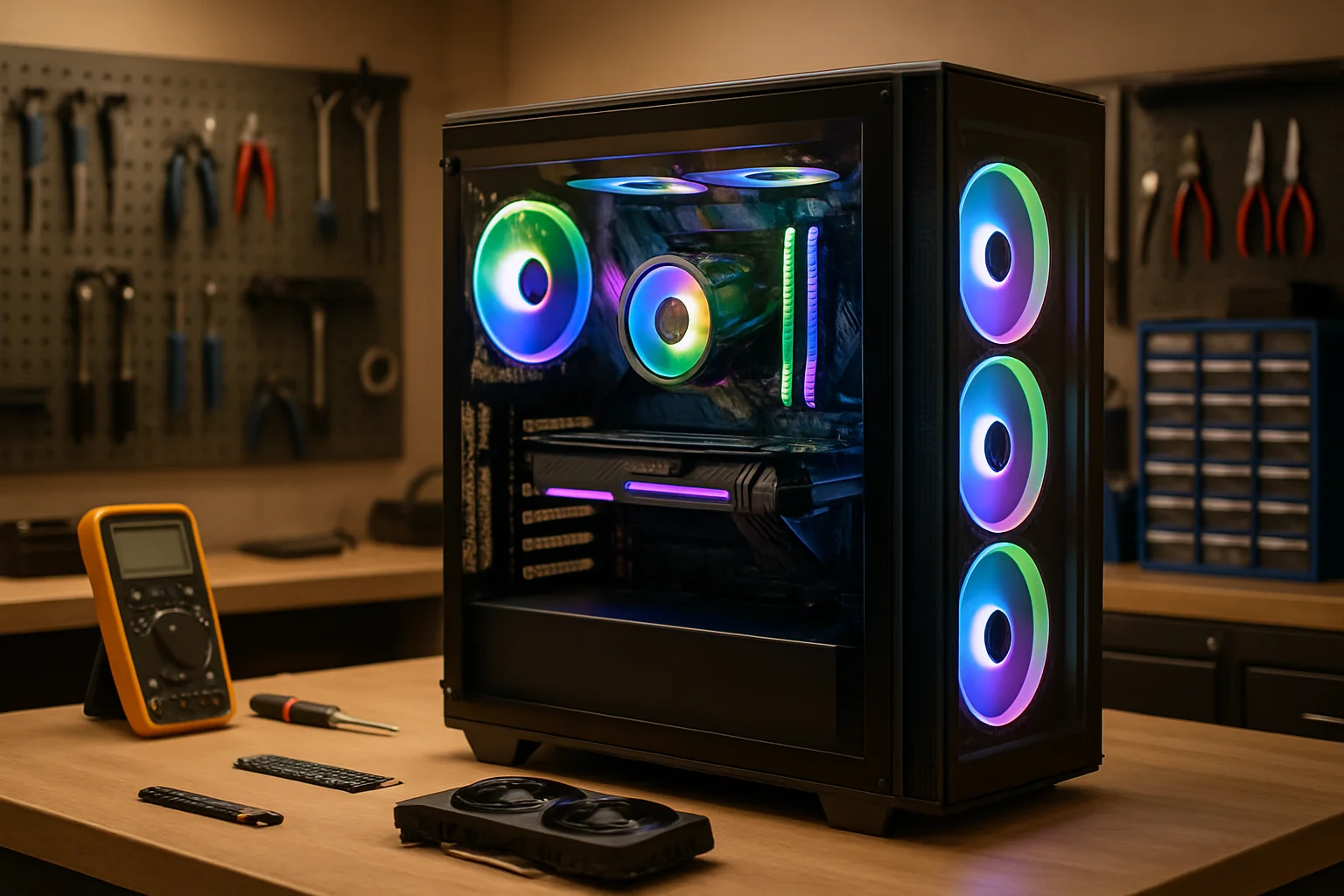

A trade-in can put eligible hardware toward a replacement purchase, while a private sale may offer different proceeds and responsibilities. Compare an actual quote with realistic selling costs and the value of keeping or upgrading your current system. MAINGEAR’s current SELLIT9-powered program is one example; check its current eligibility and terms.
What Gaming PC Trade-Ins Actually Offer
Trade-in programs differ in the hardware they accept, how they grade condition and how payment or credit works. MAINGEAR’s SELLIT9 program provides quotes for eligible items and MAINGEAR credit. Confirm whether your exact components or system qualify before planning a purchase.
An instant quote can reduce the work of finding a private buyer. You still need to follow the program’s packing, shipping, inspection and account requirements. Review the complete offer and any obligations before accepting it.
There is no reliable universal percentage for trade-in value versus private resale. Compare the actual offer with recent sold listings for similar hardware, then account for fees, shipping, condition, negotiation and the time involved.
How to Determine Your Gaming PC's True Value
Before accepting any trade-in offer, you need to know what your system is actually worth. This takes a bit of homework, but it can save you significant money.
Start by identifying your key components: CPU model, GPU, RAM amount and speed, storage type and capacity, and case/cooling setup. Most of your system’s value lives in the CPU and GPU, so focus there first.
- Check completed eBay listingsSearch for your exact CPU and GPU models, then filter by “Sold” listings to see actual sale prices, not wishful asking prices.
- Browse local marketplacesCheck Facebook Marketplace and OfferUp for Turlock and surrounding areas to see what similar systems are selling for locally.
- Compare complete costs.New-part prices are useful context, but they do not determine a used system’s value. Use comparable completed sales and account for platform fees and shipping.
- Describe condition and support.Exact model, reliability, warranty transfer, operating-system support and included accessories can affect the offer. Disclose known faults.
Compare the expected net proceeds with the trade-in offer and the convenience each option provides. Decide what the additional effort and risk are worth to you rather than using a fixed dollar threshold.
Preparing Your System for Trade-In or Sale
Preparing a computer for transfer involves both condition checks and data protection. Make and verify a backup before deleting files or resetting the system. Choose the erasure method based on the storage device and the sensitivity of the data.
- Back up everything important.Copy game saves, documents, photos, and software licenses to external storage or cloud backup before wiping the system.
- Perform a secure data wipe.Back up first. For a personal Windows PC, select Remove everything and enable Clean data before sale. Microsoft’s consumer reset is not certified sanitization; for sensitive data or SSDs, use the drive manufacturer’s supported secure-erase process or a qualified technician. Choose an erasure method that explicitly supports the drive and your data-protection requirements.
- Clean according to the manufacturer’s instructions.Shut down and isolate power first. Use approved methods and equipment, and keep liquids away from internal components.
- Check and describe condition.Use appropriate manufacturer diagnostics where available and disclose known issues. Avoid unnecessary stress tests on hardware that may be failing.
- Gather relevant documentation.Include appropriate accessories and packaging. Check warranty transfer terms and remove personal or payment details from receipts before sharing them.
Provide the specifications and condition information the program requests. Review the offer’s inspection rules and explain any uncertainty honestly.
For a local sale, describe the condition accurately and provide useful specifications and photographs. Clear information helps a buyer evaluate the listing, but it does not guarantee a sale or a faster result.
Smarter Alternatives to Full System Trade-Ins
A full replacement may be unnecessary if a compatible, targeted upgrade addresses the actual problem. Check which component limits the games and settings you use before buying parts.
Before deciding on a trade-in, compare these options using current quotes and the needs of your computer.
- Graphics upgrade.Check game requirements, the current bottleneck, power-supply capacity and connectors, case clearance and platform compatibility before choosing a card.
- Memory or storage upgrade.Additional compatible RAM may help with memory pressure; an SSD can reduce storage-related waiting. Neither automatically increases game frame rates.
- Cooling repair or upgrade.Diagnose overheating, noise and airflow first. Confirm mounting compatibility and the cause before replacing cooling hardware.
- Consider selling parts separately.Compare the likely net proceeds and effort with selling a working complete system. Include shipping, fees, buyer protections and the effect on the remaining computer’s value.
Compare a parts-and-labor quote with a complete replacement that meets the same needs. An inexpensive upgrade is useful only if it addresses the problem and the remaining hardware is suitable.
Before reusing a case, power supply, motherboard or drive, check condition and compatibility. A reliable supported system may be worth keeping, but no fixed list of reused parts guarantees near-new performance.
Selling Locally in Turlock: Pros and Cons
A local sale gives you control over the listing and negotiation, but it can take time and involves payment and personal-safety considerations. Compare actual local demand with other options rather than assuming a higher return.
Local demand changes with the hardware and asking price. Compare recent, relevant listings and completed sales where available; an asking price is not proof that a system sold for that amount.
- You control the price.List at market value and negotiate from there—you’re not locked into a predetermined trade-in quote that may lowball you.
- Check payment carefully.Confirm payment through your own trusted account or bank process before releasing the hardware. Do not rely on a buyer’s screenshot or unexpected payment link.
- Deal with flaky buyers.No-shows, lowball offers, and endless questions are part of the territory when selling peer-to-peer.
- Safety considerations.Always meet in public places, preferably during daytime, and bring a friend for higher-value sales.
Set an asking price using realistic comparisons and the condition of your system. Include clear photos, complete specifications and known issues. Decide in advance what payment and collection arrangements you will accept.
There is no guaranteed local selling time. Allow for inquiries, negotiation and collection, and avoid promising that a particular price band will sell within a fixed number of weeks.
When to Trade In vs. When to Keep
The best choice depends on the actual offers, your performance needs, the system’s condition and the effort you are willing to spend. Compare keeping, upgrading, private sale and trade-in on the same basis.
A trade-in may suit you when its convenience and eligible store credit fit the replacement you already intend to buy. Verify any promotion in the current terms instead of assuming a seasonal bonus.
Keep or upgrade when the system is reliable, supports the operating system and applications you need, and can accept a cost-effective upgrade that addresses the measured limitation.
A private sale may suit you if the expected net proceeds justify the listing, payment and collection work. Compare realistic completed sales with an actual trade-in quote.
Consider replacement when repair or upgrade costs, reliability, compatibility or software-support limits make the existing system unsuitable. Age alone does not decide this.
Compare total costs, expected usable life, support and risk. Include the resale or trade-in value only once, and use current quotes rather than a fixed percentage rule.
Getting Expert Help with Gaming PC Decisions in Turlock
A written comparison can make the options clearer. List the current system’s limitations, the proposed work, total cost, warranty or support, and how the data will be protected.
For questions about a gaming computer, contact Turlock Computer Repair. Describe the exact hardware, symptoms and intended use so the shop can tell you what assistance is available.
Before agreeing to work, ask what will be tested, what the assessment costs and whether any proposed upgrade needs a separate quote.
Ask specifically about the service you need, such as diagnosis, installation or preparation for transfer. Confirm the scope, price and data-handling steps rather than assuming they are included.
Keep a copy of the agreed work and estimate. A useful recommendation should explain the cause of the problem, compatible options and any important limitations.
Frequently asked questions
Are gaming PC trade-in programs worth it?
Compare the actual credit offer, eligible replacement purchase and program terms with the expected net proceeds and effort of a private sale. There is no universal trade-in-to-resale percentage.
How much is my gaming PC worth for trade-in?
Get a current quote for the exact eligible hardware and condition. Compare recent completed sales, fees and shipping. A component list or new retail price alone does not establish used value.
Should I upgrade my gaming PC or buy a new one?
Identify the bottleneck, compatibility requirements and any reliability or software-support limits. Compare complete upgrade and replacement costs for the performance you need.
How do I prepare my gaming PC for sale or trade-in?
Verify a backup first. For a personal Windows computer, Microsoft recommends Remove everything with Clean data enabled before transfer. This consumer reset does not meet government or industry erasure standards. For sensitive data or SSD sanitization, use an appropriate manufacturer-supported method or ask a qualified technician. Confirm erasure before transfer, follow manufacturer cleaning guidance and disclose known hardware issues.
Ready to Make the Right Call on Your Gaming PC?
For questions about a gaming computer, call (209) 661-9171 or use the repair booking page. Confirm available services and appointment options with the shop.
Bottom line: Compare current quotes, net selling proceeds and compatible upgrade costs. Protect your data and review the terms before transferring hardware.

For computer repair questions in Turlock, call (209) 661-9171 or use the repair booking page. Ask the shop about available services, estimates and timing.



One Response