Tech Tips From The Bench · Storage Technology
What Your SSD Controller Does: The Hidden Computer Inside Your Drive

You probably think your SSD is just memory chips that store your files. In reality, every solid-state drive contains a powerful processor running its own operating system, constantly managing data, predicting failures, and performing maintenance tasks you never see. Here’s what that tiny computer is really doing inside your laptop or desktop.
What the SSD Controller Actually Is
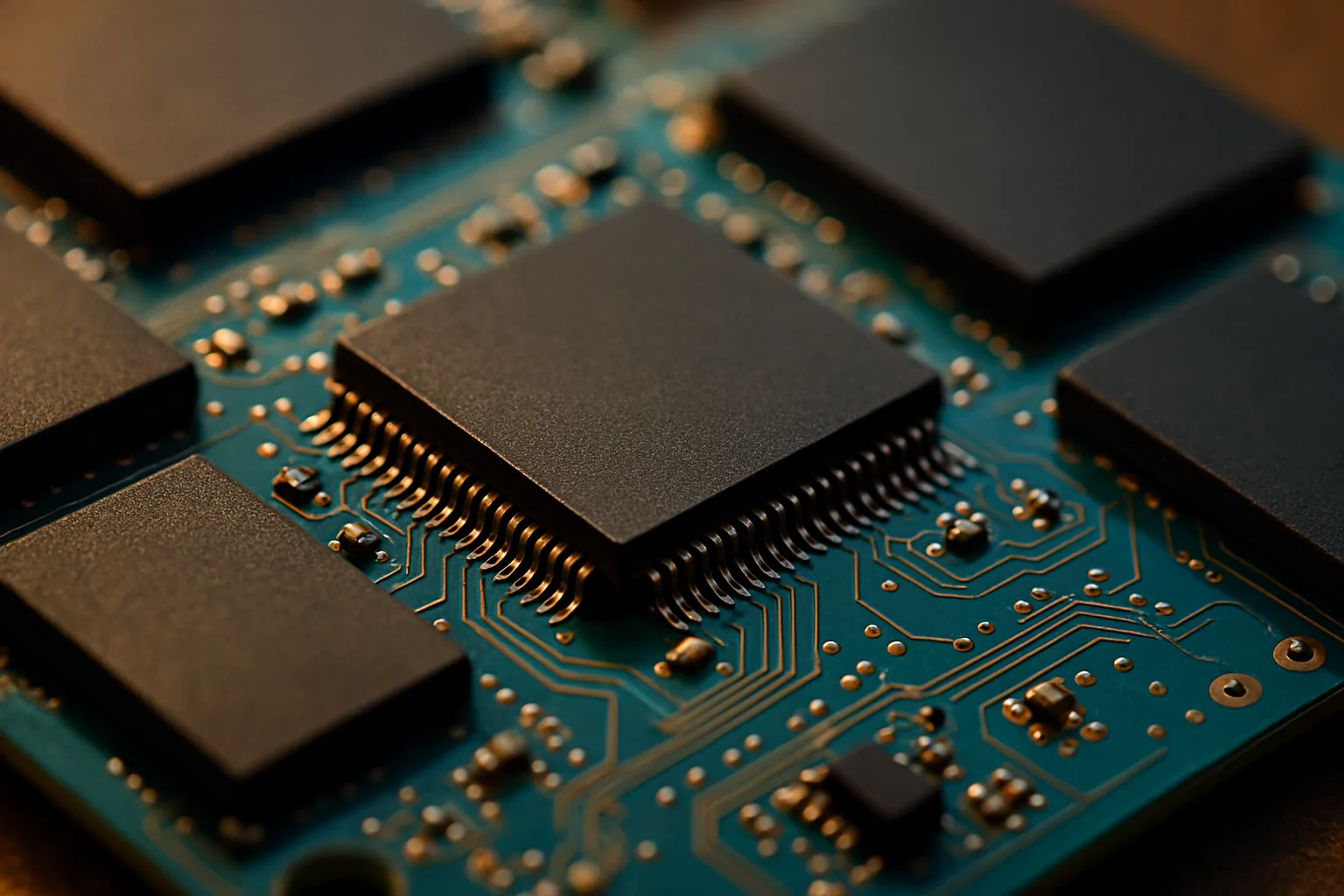
The SSD controller is a specialized microprocessor built into every solid-state drive. It sits between your computer’s motherboard and the NAND flash memory chips where your data lives. Think of it as a traffic cop, translator, and maintenance crew all rolled into one tiny silicon package.
This chip runs firmware—essentially its own miniature operating system—that’s optimized for one job: managing flash memory as efficiently as possible. Modern SSD controllers from companies like Samsung, Western Digital, and Phison contain multiple processor cores and hundreds of megabytes of their own RAM.
The SSD controller never stops working. Even when your computer is idle, it’s busy reorganizing data, checking for errors, and preparing the drive for your next command.
- Independent processor.The controller has its own CPU cores, separate from your computer’s main processor.
- Dedicated memory.Controllers include RAM cache ranging from 256MB to 2GB for buffering operations.
- Custom firmware.Proprietary software optimized for the specific flash memory chips in that drive model.
- Error correction hardware.Built-in ECC circuits that detect and fix data corruption in real-time.
Wear Leveling: Extending Your Drive's Life
Flash memory cells wear out after a certain number of writes—typically between 3,000 and 100,000 cycles depending on the type. If you kept writing to the same spot repeatedly, that section would fail within days. Your SSD controller prevents this through a process called wear leveling.
The SSD controller tracks how many times each memory cell has been written to and deliberately spreads new writes across the entire drive. When you save a file to the same location, the controller actually writes it to different physical cells each time, updating its internal map to keep track.
This happens completely transparently. Your operating system sees a normal file system, but behind the scenes, the controller is playing an elaborate shell game with your data to maximize drive longevity.
Garbage Collection and TRIM Operations
Here’s a quirk of flash memory: it can’t overwrite data directly. To change a single byte, the controller must erase an entire block (often 4MB or larger), then rewrite everything. This creates a performance problem as drives fill up with stale data.
Garbage collection is the SSD controller’s housekeeping process. During idle moments, it finds blocks containing both valid and invalid data, copies the good data to fresh blocks, then erases the old blocks completely. This frees up clean space for future writes.
The TRIM command from your operating system helps this process. When you delete a file, TRIM tells the controller those cells are no longer needed. Without TRIM, the controller doesn’t know which data is garbage and which is still important.
- Background optimization.Controllers perform garbage collection during idle time to maintain performance.
- TRIM dependency.Modern operating systems send TRIM commands automatically; older systems may need manual optimization.
- Performance impact.Drives without good garbage collection can slow to a crawl as they fill beyond 75% capacity.
We see this frequently at our repair shop in Turlock when customers complain their once-fast SSD has become sluggish. Often it’s a full drive with inefficient garbage collection, not a hardware failure.
Error Correction and Data Protection
Flash memory isn’t perfectly reliable. Electrical charge leaks from cells over time, cosmic rays can flip bits, and wear causes increasing error rates. Your SSD controller uses sophisticated error correction codes (ECC) to catch and fix these problems before you ever notice.
Every time data is written, the SSD controller calculates ECC parity information and stores it alongside your files. When reading data back, it checks the parity. If errors are detected, the controller uses mathematical algorithms to reconstruct the original data.
Advanced controllers use LDPC (Low-Density Parity-Check) codes that can correct dozens of bit errors per sector. As cells age and error rates increase, the controller works harder behind the scenes to maintain data integrity.
Once error rates exceed what ECC can handle, the controller marks those blocks as bad and stops using them. The drive has spare cells reserved for this purpose, invisible to your operating system.
Performance Optimization Techniques
Modern SSD controllers employ several tricks to maximize speed. SLC caching is one of the most common: the controller treats a portion of slower multi-level cells as if they were faster single-level cells, creating a high-speed buffer for incoming writes.
When you copy a large file, the first several gigabytes write at blazing speed to this cache. Once the cache fills, write speed drops to the native flash speed. The controller then migrates data from the cache to regular storage during idle time.
Command queuing is another optimization. The SSD controller can accept dozens of read/write commands simultaneously, reordering them for optimal execution. Unlike spinning hard drives that must minimize physical head movement, SSDs can access any location in microseconds, so the controller optimizes for flash memory access patterns instead.
- SLC cache.Temporary high-speed buffer that improves perceived performance for typical workloads.
- Parallel operations.Controllers access multiple flash chips simultaneously for higher throughput.
- Compression.Some controllers compress data on-the-fly to reduce writes and improve speed.
What Happens When SSD Controllers Fail
Controller failure is one of the most challenging SSD problems we encounter at our Turlock repair facility. Unlike traditional hard drive failures where data often remains intact on the platters, SSD controller failures can make data completely inaccessible.
The controller maintains the map between your logical files and physical flash locations. If this mapping table is corrupted or the controller stops responding, your data becomes scrambled. The flash chips may be perfectly healthy, but without the controller’s translation layer, the data is gibberish.
Firmware bugs can also cause problems. Since the SSD controller runs complex software, bugs can lead to data corruption, performance degradation, or complete drive failure. Manufacturers occasionally release firmware updates to fix these issues.
- Monitor SMART dataUse tools like CrystalDiskInfo to watch controller-reported health metrics monthly.
- Keep backups currentController failures happen suddenly; backups are your only protection against instant data loss.
- Update firmware cautiouslyApply manufacturer firmware updates for known bugs, but never during critical work periods.
- Maintain proper coolingControllers generate heat; poor ventilation in Central Valley summers accelerates wear.
Choosing SSDs Based on Controllers
Not all SSD controllers are created equal. Budget drives often use cheaper controllers with less RAM cache, simpler ECC algorithms, and slower processors. These drives work fine initially but may degrade faster under heavy use.
High-end drives from Samsung (with proprietary controllers), Western Digital (in-house controllers for WD Black models), and Crucial (Micron controllers) typically offer better longevity. These controllers have more sophisticated firmware, better error correction, and larger cache buffers.
For typical home and office use in Turlock, mid-range drives with quality controllers offer the best value. We typically recommend Samsung EVO series, WD Blue, or Crucial MX models for general computing. For gaming systems and workstations, Samsung PRO series or WD Black offer controllers optimized for sustained performance.
Processor cores in flagship controllers
IOPS typical controllers handle
Over-provisioned spare cells
Bit errors corrected per sector
Frequently asked questions
Can I upgrade or replace my SSD controller?
No, the SSD controller is permanently integrated into the drive’s circuit board. It’s not a user-replaceable component. If the controller fails, the entire drive must be replaced. In some data recovery scenarios, specialists can work around failed controllers, but this requires expensive equipment and clean-room facilities not available for typical repairs.
Why does my SSD slow down when it's almost full?
When an SSD fills beyond 75–80% capacity, the controller runs out of empty blocks for efficient garbage collection and wear leveling. It must spend more time shuffling data around, consolidating partially-used blocks, and searching for available space. This overhead dramatically reduces write performance. Keep at least 15–20% of your SSD free for optimal controller operation.
How can I tell if my SSD controller is failing?
Warning signs include sudden performance drops, files becoming corrupted, the drive disappearing from your system intermittently, or SMART monitoring tools showing rapidly increasing error counts. If your SSD starts behaving erratically, back up your data immediately and bring it to a professional. Controller failures often progress quickly from minor glitches to complete failure.
Does the SSD controller affect data recovery success?
Absolutely. The controller is critical to data recovery from SSDs. Unlike hard drives where data sits in predictable physical locations, SSDs store data wherever the controller decides based on its wear-leveling and optimization algorithms. If the controller fails, the mapping table is usually lost, making standard recovery tools ineffective. This is why regular backups matter even more with SSDs than with traditional hard drives.
SSD Questions or Need an Upgrade in Turlock?
Whether you need help choosing the right SSD for your system, want an expert installation, or need diagnosis of a failing drive, our team has the experience and tools to help. Call <strong>(209) 661-9171</strong> or stop by our Geer Road location—walk-ins welcome Mon–Sat 9 AM–6 PM.
Bottom line: Understanding what your SSD controller does helps you make smarter choices about storage upgrades and recognize warning signs before data loss occurs.

Local, walk-in computer repair at Turlock Professional Park. Tune-ups, SSD upgrades, virus removal and cleanings for laptops, desktops, Macs and gaming PCs — most fixed the same day. (209) 661-9171